Technology Teaching Resources for Foundation Year
- Free Plan
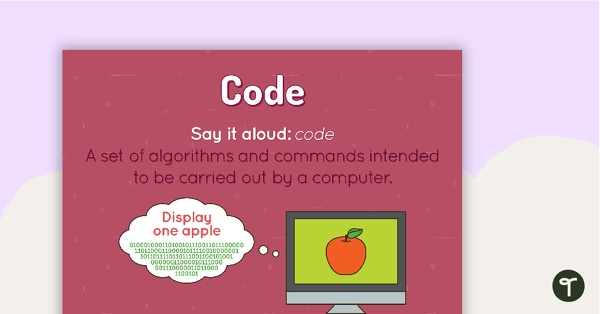
Code Poster
A poster showing the definition and an example of code.
- Plus Plan
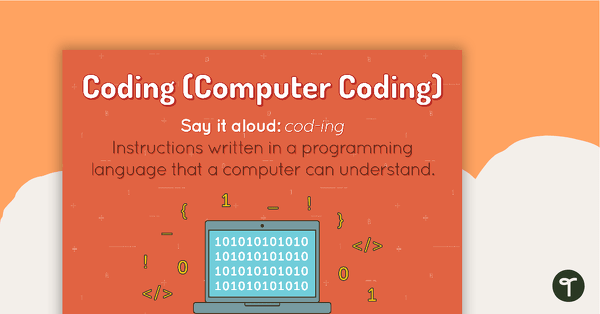
Coding Poster
A poster showing the definition and an example of coding.
- Plus Plan
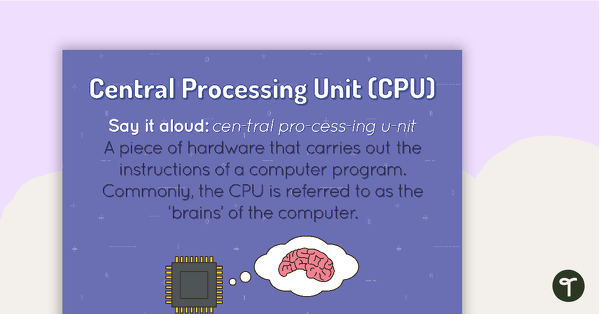
Central Processing Unit Poster
A poster showing the definition and an example of a central processing unit.
- Plus Plan
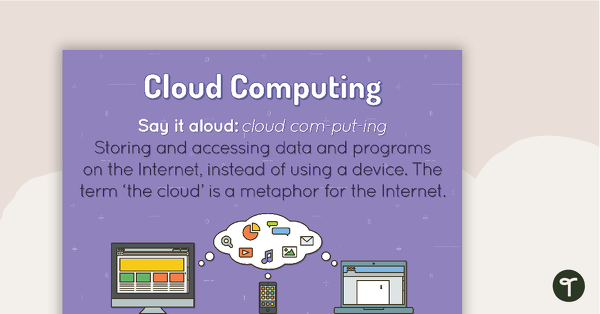
Cloud Computing Poster
A poster showing the definition and an example of cloud computing.
- Plus Plan
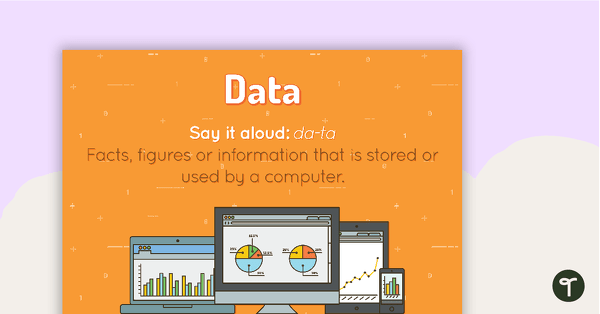
Data Poster
A poster showing the definition and an example of data.
- Plus Plan
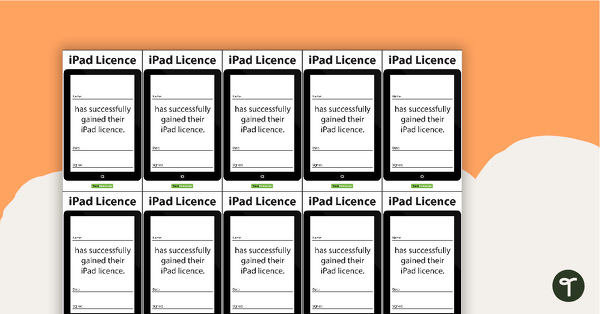
iPad Licence
Commemorate this momentous occasion with an official iPad licence.
- Plus Plan
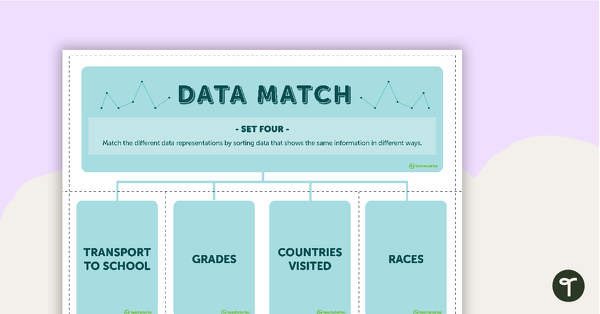
Data Match-Up Cards (Set 4)
A match-up activity for students to use when exploring data.
- Plus Plan
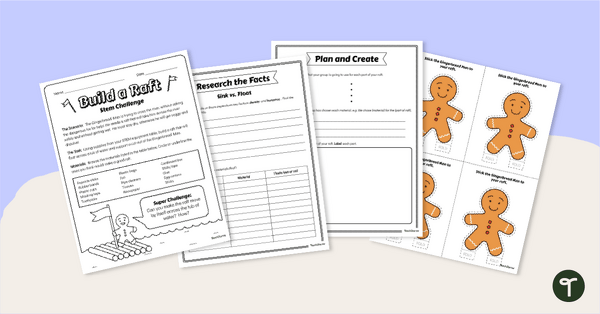
Gingerbread STEM Investigation - Build A Gingerbread Boat
Explore floating and waterproof materials in this Gingerbread STEM investigation embedded in a fun fairy tale story.
- Free Plan
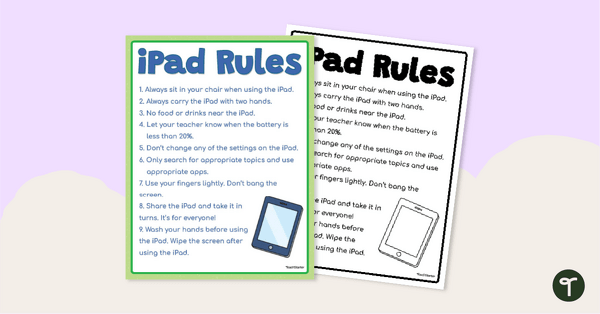
Free iPad Rules Classroom Poster
Display this classroom poster to set the boundaries and rules around using school iPads in the classroom.
- Plus Plan
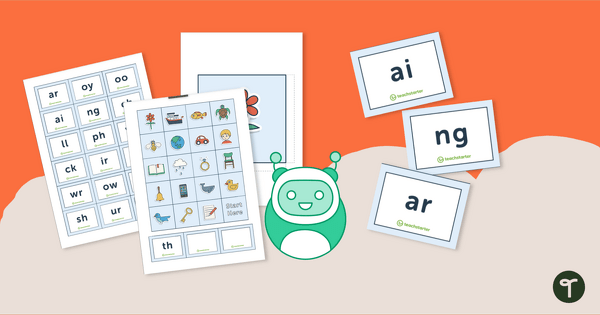
Digraph Coding Robot Mat
Practise identifying digraphs with the help of a coding robot and mat.
- Plus Plan
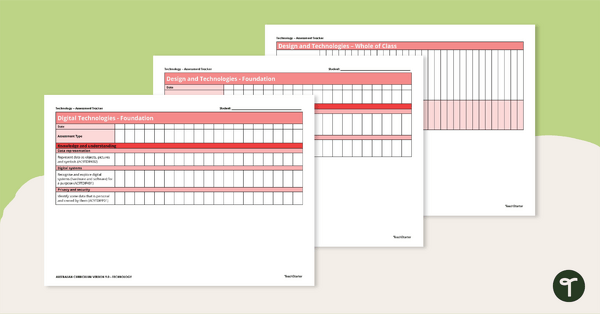
Technologies Foundation to Year 2 Assessment Trackers
A 4 page set of assessment trackers using the Australian Curriculum codes to monitor student progress in Technologies.
- Free Plan
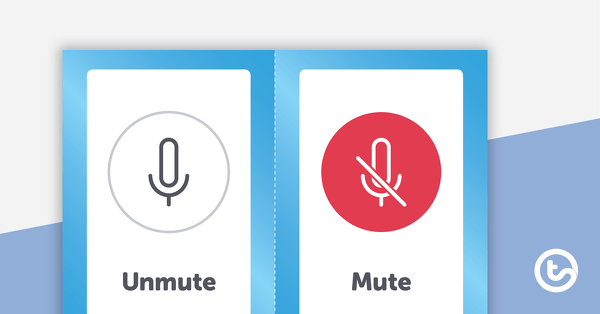
Virtual Meeting Icons
A set of flashcards and stickers to use when teaching virtual skills to students.
- Plus Plan
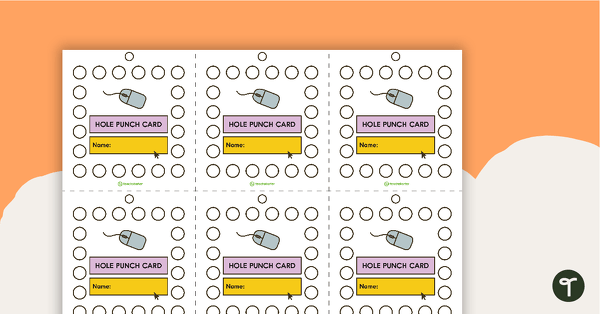
Computer Hole Punch Cards
Hole punch cards for encouraging students during computer time.
- Plus Plan
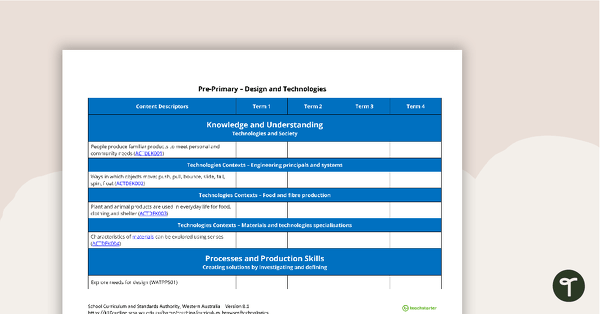
Technologies Term Tracker (WA Curriculum) - Pre-primary
A Technologies term tracker using the WA Curriculum Pre-primary content descriptors and codes.
- Plus Plan
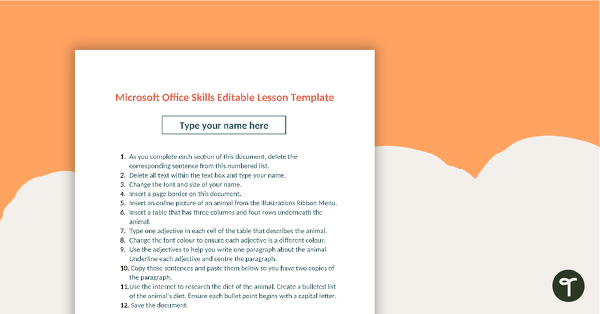
Editable Word Processing Template
An editable template for students to consolidate word processing skills.
- Plus Plan
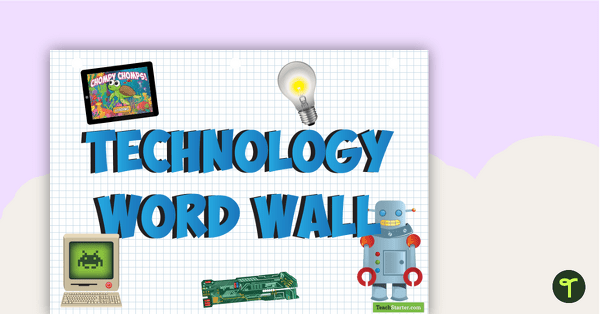
Technology Word Wall Poster
Use this Word Wall Poster to identify technology vocabulary in your classroom.
- Plus Plan
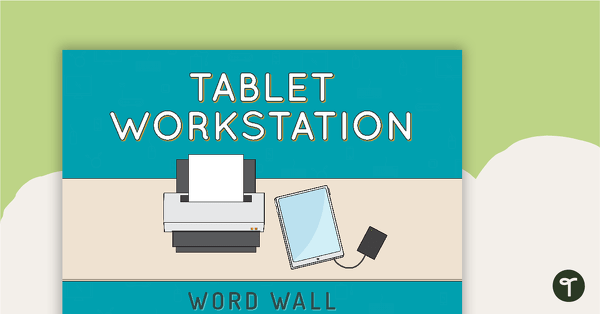
Tablet Workstation Word Wall
A set of labels for a tablet workstation.
- Plus Plan
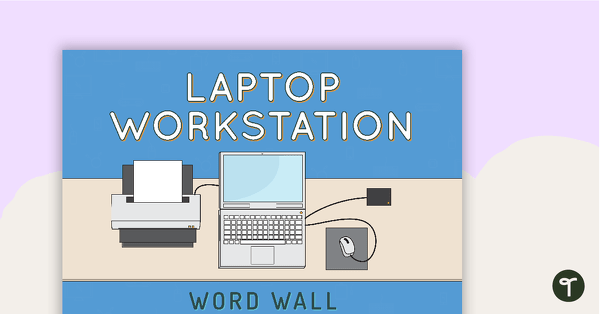
Laptop Workstation Word Wall
A set of labels for a laptop workstation.
- Free Plan
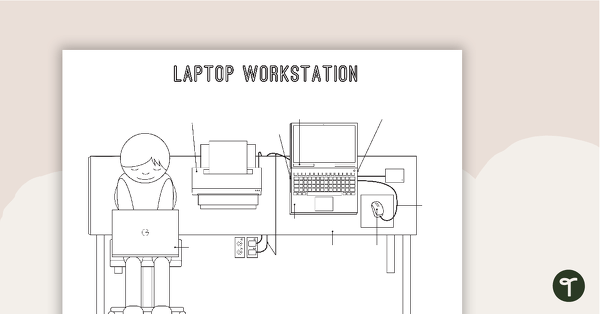
Technology Workstation Worksheet - Laptop Computer
A worksheet for students to label the key components of a laptop workstation.
- Free Plan
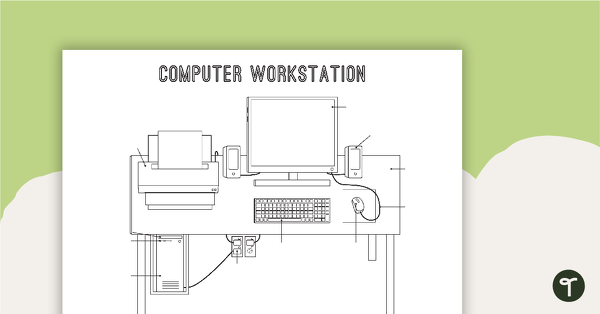
Technology Workstation Worksheet - Desktop Computer
A worksheet for students to label the key components of a desktop computer workstation.
- Free Plan
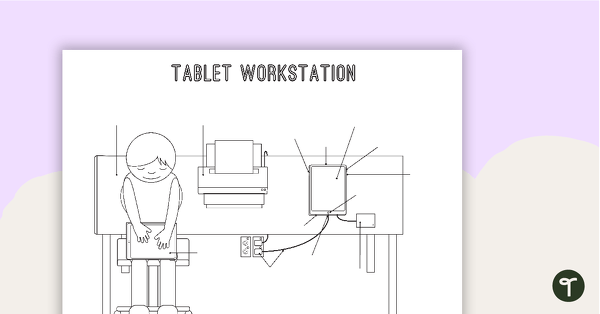
Technology Workstation Worksheet - Tablet
A worksheet for students to label the key components of a tablet workstation.
- Plus Plan
Class 'We Can' Statements - Technology and Technologies (Lower Primary)
A set of 7 class 'We can' statement cards linked to the Australian Digital Technologies Curriculum.
- Plus Plan
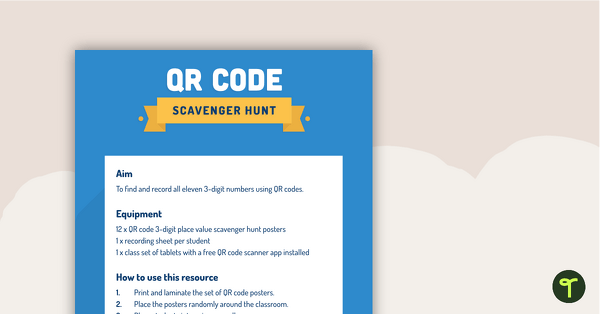
QR Code Scavenger Hunt Template Posters
A set of blank templates to create a fun scavenger hunt in the classroom using QR codes.
- Plus Plan
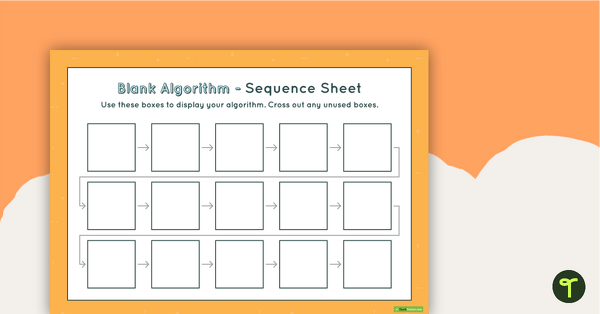
15-Step Algorithm Sequence Sheet - Lower Primary
A worksheet for students to use when writing an algorithm.
- Plus Plan
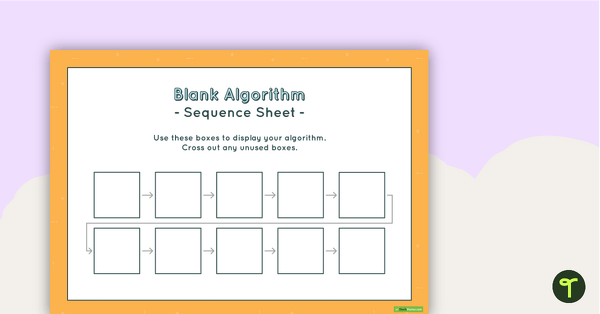
10-Step Algorithm Sequence Sheet - Lower Primary
A worksheet for students to use when writing an algorithm.
- Plus Plan

iPad Organisation Signs
Organise your iPad learning areas with these iPad signs.
- Plus Plan
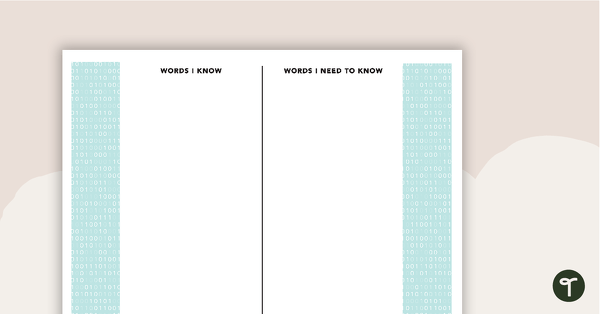
Personal Vocabulary - Technology
4 themed pages to use when learning about technology content vocabulary.
- Plus Plan
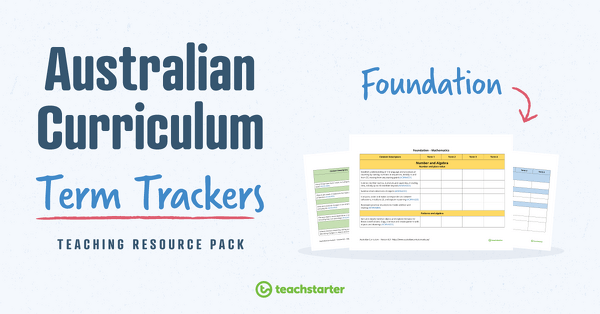
Term Trackers Resource Pack (Australian Curriculum) - Foundation
A collection of term trackers aligned with the Australian Curriculum.
- Plus Plan
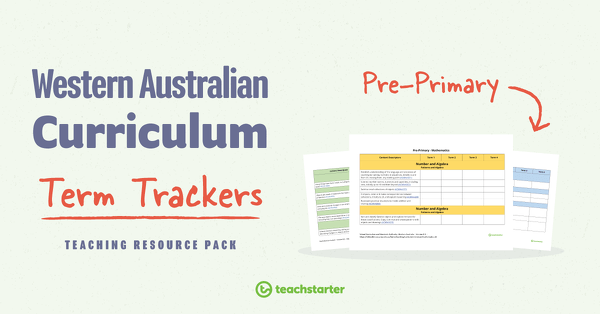
Term Trackers Resource Pack (WA Curriculum) - Pre-primary
A collection of term trackers aligned with the WA Curriculum.
- Plus Plan
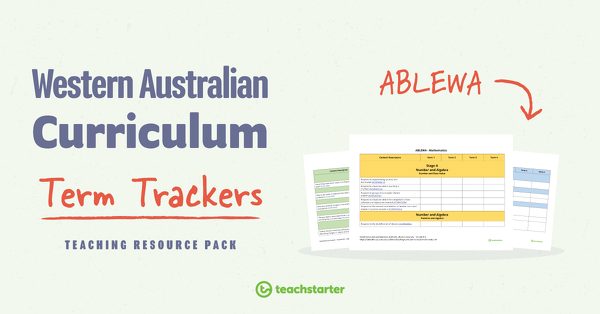
Term Trackers Resource Pack (WA Curriculum) - ABLEWA
A collection of term trackers aligned with the WA Curriculum.
- Plus Plan

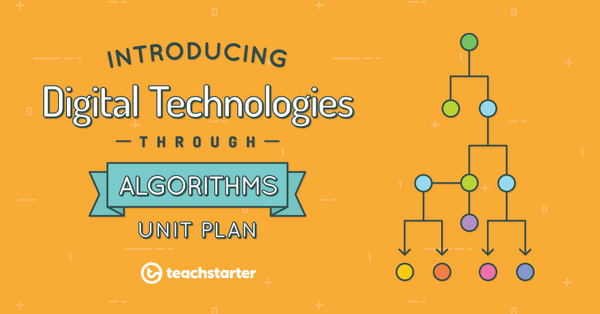
Introducing Digital Technologies Through Algorithms Unit Plan
This Technology unit has been designed to introduce digital technologies to younger students; specifically, the purpose, structure and features of algorithms.
- Plus Plan
Applying Basic Algorithms
A 60 minute lesson in which students will follow a sequence of steps and identify these as an algorithm.