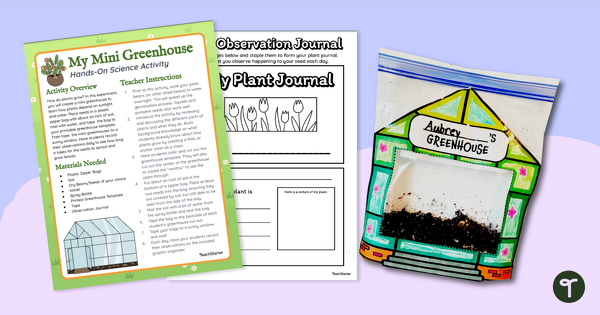
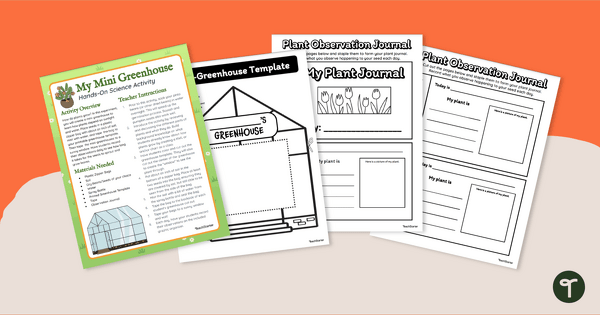
Start growing bean plant seeds to observe plant life cycles with a printable greenhouse template and observation journal.
Make Your Own Greenhouse and Grow a Bean Plant in a Bag!
Are you looking for an engaging and hands-on activity to spark your students’ curiosity and help them learn about plant growth and development? You don’t need to look any further because we have the perfect solution for you — the printable greenhouse template and observation journal. This printable resource is the perfect tool to help your students grow a bean plant in a bag!
Studying Plants — Beans in a Bag Experiment
With this beans in a bag experiment, your students can cultivate their plants while discovering the crucial role of sunlight, water, and soil in the growth process. Get ready for a hands-on learning experience that will leave your students feeling empowered and inspired! So, let’s get their hands dirty and watch their green thumbs grow!
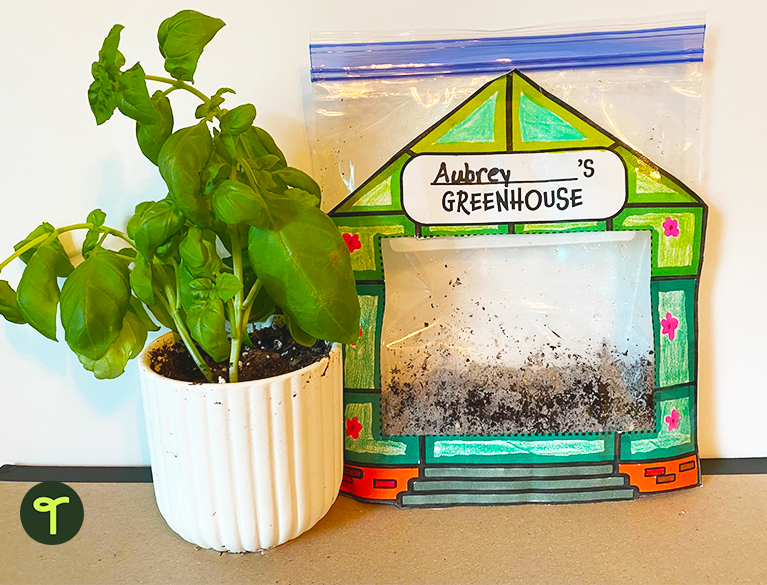
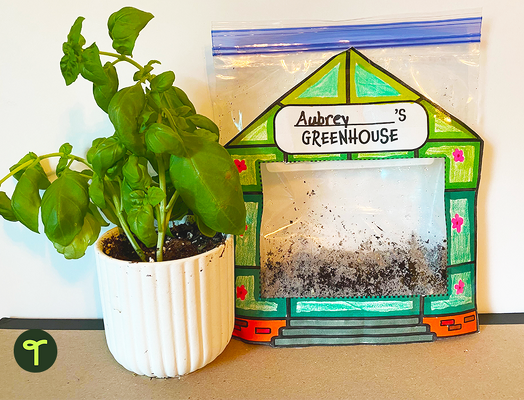
This bean-in-a-bag experiment pack includes a printable template for students to create their own miniature greenhouse using a plastic bag, some soil, and a seed of choice. Students can design their own greenhouse, plant their own seeds, and watch their plants grow through the ‘window’ of the greenhouse. We’ve also included a printable observation mini-book for them to record their daily observations.
Download Your Printable Greenhouse Template
You’re just a click away from getting your new printable greenhouse template! Use the dropdown arrow on the Download button to select the Editable Google Slides resource file or the quick-print PDF version.
Resources to Pair With Your Greenhouse Template & Observation Book
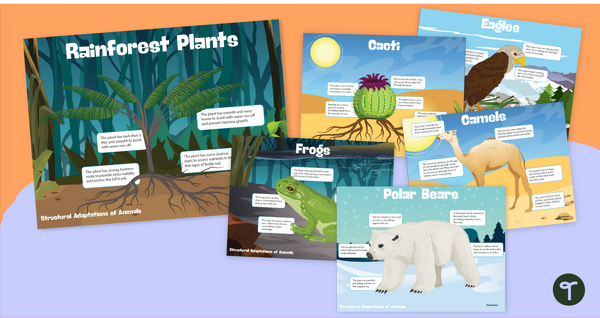
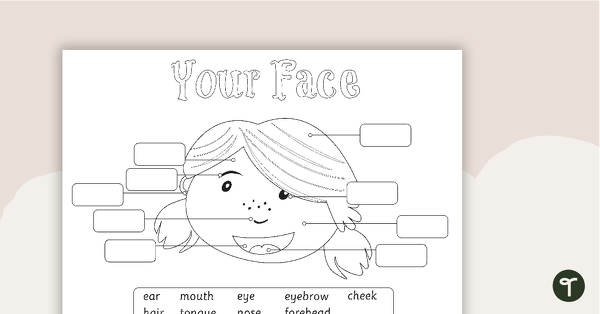
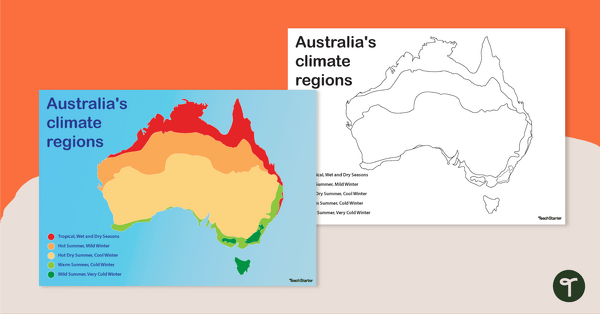
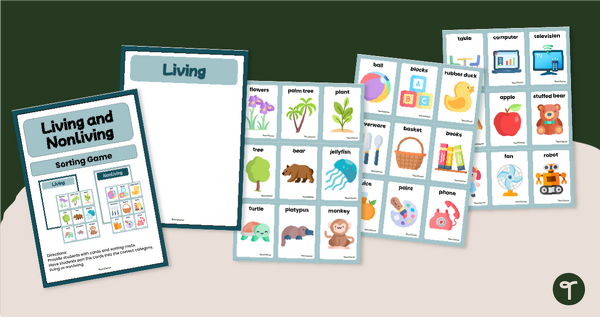
Paired with the right resources, this greenhouse template and accompanying printables will boost your students’ scientific knowledge. We recommend that you grab these while you’re here!
[resource:12867] [resource:4962176] [resource:4958651]


0 Comments
Write a review to help other teachers and parents like yourself. If you'd like to request a change to this resource, or report an error, select the corresponding tab above.