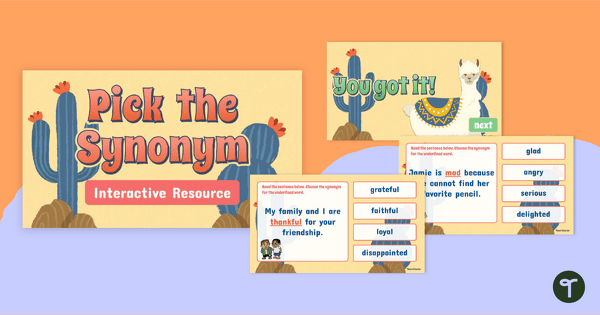
Teach synonyms in context with this interactive digital quiz that helps students recognize, compare and choose the best‑fit word within real sentences.
Teaching Synonyms in Context Matters!
Understanding synonyms in context is a key skill for developing strong readers and writers. While students may know several words that sound similar in meaning, many still struggle to choose the most accurate word when it appears inside a sentence. That’s where this digital resource from Teach Starter can help!
This digital quiz has been designed by our team to help your students explore synonyms in the context of real sentences. Each slide presents students with a sentence where one word is underlined, followed by multiple-choice options. Students simply click the synonym that best matches the meaning of the word as it’s used in the sentence. The activity is self‑checking, age-appropriate and visually clear, making it perfect for elementary school classrooms!
Here is an example question from the resource:
Choose the best synonym to replace the underlined word.
Ava had to control the dogs pulling in many directions.
a) follow
b) release
c) manage
d) chase
The correct answer, of course, is option c! If students choose the incorrect answer, they are directed to a slide that encourages them to go back and try again.
This resource downloads as a Microsoft PowerPoint or Google Slides file. Simply project the resource onto your screen and work through the slides as a class. The quiz format adds a layer of gamified learning that keeps students motivated and focused as they justify their word choices, debate meaning with peers, and eagerly await to see if their answers are correct!
Fun Ways to Play This Synonyms Quiz
This digital game for exploring synonyms in context has been designed for flexible classroom use, depending on your needs. If you’re keen to make the activity even more interactive for your students, you might like to try the following adaptations:
- Incorporate whiteboards – Provide your students with mini whiteboards and have them write down the answer to each question before revealing it. This is great for ensuring that all students are engaged and for spotting misconceptions early.
- Add partner discussions – Have students work out the answer individually, then pair up to justify their choice. This helps students stay on task as they are required to engage in peer discussions throughout the activity.
- Literacy center – Open the activity on a device and allow students to complete it independently or in a small group as a literacy center. This is ideal if your attention is needed elsewhere!
Download to Teach Synonyms in Context
To get your hands on this digital quiz on synonyms, use the Download button above to access your preferred version. (Note: You will be prompted to make a copy of the Google Slides template before accessing it.)
Once downloaded, you can open it instantly in your preferred digital platform – no printing, cutting or laminating required!
Be sure to operate the presentation in Slideshow mode to enable the self-checking features.
Lindsey Phillips, a teacher in Michigan and a Teach Starter collaborator, contributed to this resource.
More Resources for Exploring Synonyms
If you’re teaching synonyms to your students, you’ll want to check out more of Teach Starter’s teacher-created, curriculum-aligned resources. Click below to browse a selection from our library.
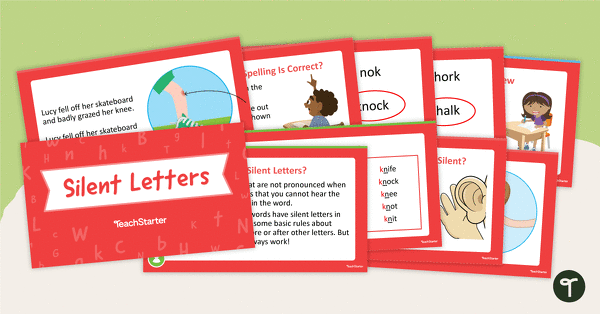
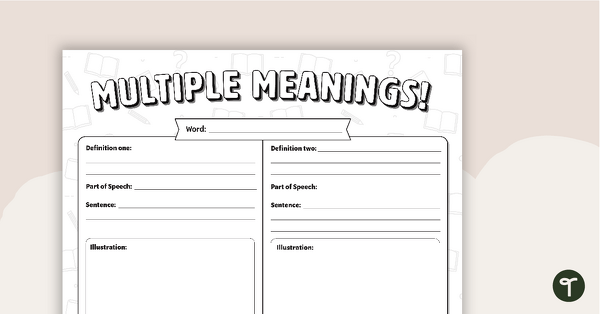
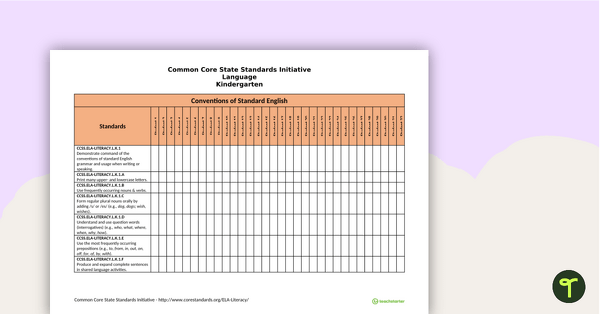
[resource:4936596] [resource:3302738] [resource:2664618]

0 Comments
Write a review to help other teachers and parents like yourself. If you'd like to request a change to this resource, or report an error, select the corresponding tab above.