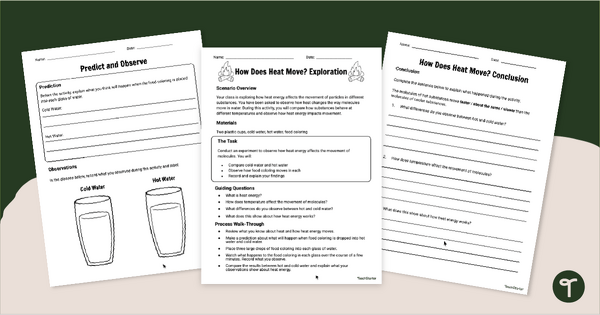
Observe how heat moves in hot and cold water with an engaging How Does Heat Move? Experiment.
Thermal Energy Experiment – A Hands‑On Way to Explore Heat Energy
If you’re looking for a simple, high‑impact way to help students see how heat moves, this Thermal Energy Experiment is going to be your new favourite go‑to. With this Thermal Energy Experiment pack, students get the chance to observe the movement of heat particles in hot and cold water…something that’s way easier to understand when they can actually watch it happen. The resource makes it easy to guide students through the experiment, record observations, and build a solid understanding of heat energy.
What’s Inside This Heat Energy Science Experiment Pack
To complete this activity, students will:
- Review what they know about heat and how heat energy moves.
- Make a prediction about what will happen when food coloring is dropped into hot water and cold water.
- Place three large drops of food colouring into each glass of water.
- Watch what happens to the food coloring in each glass over the next few minutes. Record what they observe.
- Compare the results between hot and cold water and explain what their observations show about heat energy.
Download This Heat Energy Science Experiment Today!
Ready to get started? To download this Heat Energy Science Experiment, click the dropdown arrow on the download button and select the PDF or Google Slides resource file. Print the pages you need, gather a few basic materials, and you’re all set for an engaging science lesson your students will remember.
This resource was created by Kendall Britnell, a teacher in Colorado and Teach Starter Collaborator.
More Heat Experiments for Kids
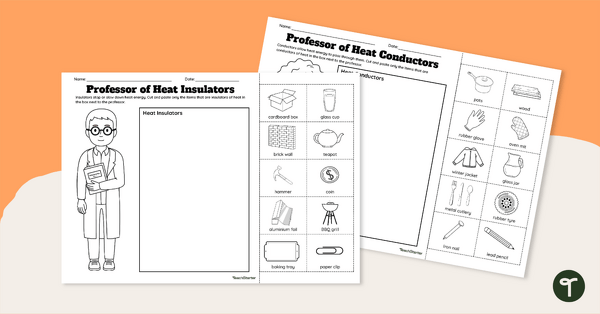
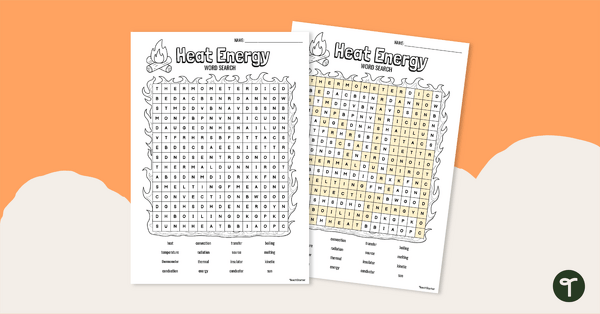
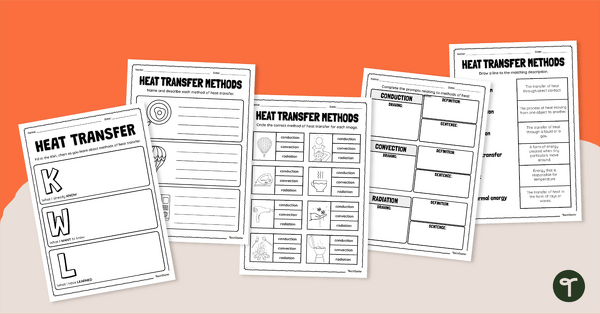
If your students love this activity (and they will), pair it with another of our Heat Experiments! We recommend checking these out before you go!
[resource:4952259] [resource:4645217] [resource:2032074]


0 Comments
Write a review to help other teachers and parents like yourself. If you'd like to request a change to this resource, or report an error, select the corresponding tab above.